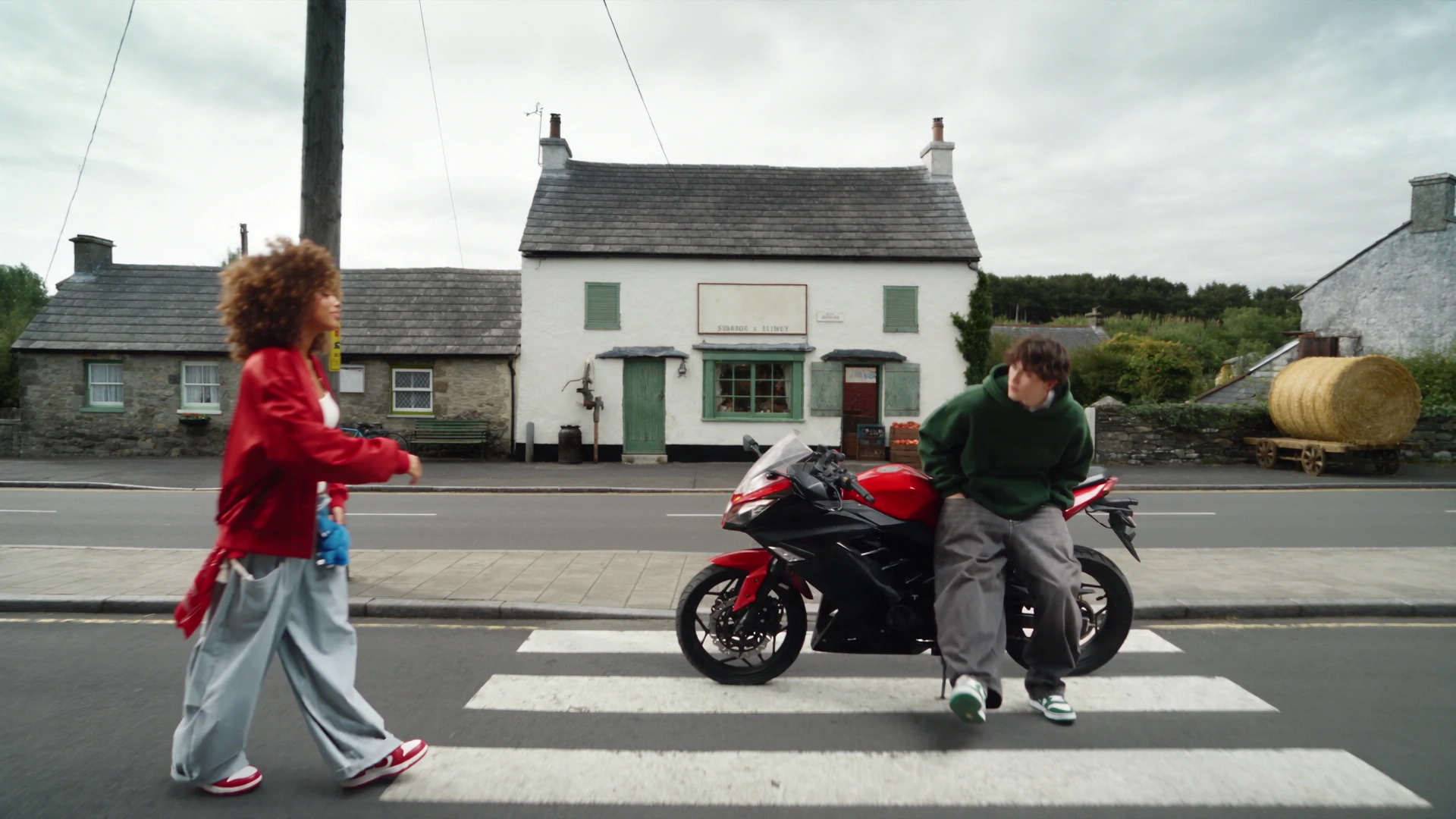
Start with one useful video
Choose a clear performance, camera move or product shot. Select a 4–30 second segment on its video card, or use the first 30 seconds.
Annual billing Genjutsu annual plans cost about 50% less than 12 monthly payments
GENJUTSU · VIDEO REMIX STUDIO
Keep the performance. Reimagine the cast, outfit, product and world. Turn a source video and your references into a new version with Motion Transfer or Object Swap.
Upload a source video of at least 4 seconds and 1–8 reference images. Source motion guides a new performance. Use Select segment on the video card to choose 4–30 seconds; otherwise the first 30 seconds are used.
Generation is not available yet. Browse examples, prepare references and save your draft.
Examples
1 / 801 · Introduction
Use the original action and camera movement to direct new characters and environments. Useful for performance recasts, dance, animation and location variations.
🪄Replace a selected character, outfit or product while guiding the surrounding scene to stay consistent. Describe the target and its matching reference.
02 · How to use
Choose a clear performance, camera move or product shot. Select a 4–30 second segment on its video card, or use the first 30 seconds.
Add 1–8 images of your characters, outfits, products or setting. Keep their order and describe how each reference should be used.
Motion Transfer reinterprets the source performance. Object Swap targets selected elements within the source scene.
Choose 480p, 720p or 1080p. Review the quoted credits before generating. Compare the result with your source and adjust the next request.
03 · Workflow demonstrations
Demonstrations sourced from Higgsfield. These are reference examples, not generations verified on Genjutsu.tv.
Original guides to preparing inputs, inspecting examples and understanding your request.
Browse motion, character, fashion, scene and product workflows. Compare the source with each generated variant before reusing it.
Explore the preset library →Cancel anytime
0.025 / credit
Billed $ yearly179· Save $179.8
0.017 / credit
Billed $ yearly299· Save $299.8
0.014 / credit
Billed $ yearly599· Save $599.8
0.012 / credit
Billed $ yearly1,199· Save $1,199.8





















No. Both modes accept an empty prompt. Instructions help explain subject roles and intended changes; the limit is 10,000 characters.
Compatible presets load the source video, ordered images, prompt and mode. They do not submit or charge a generation. Some upstream presets exceed the public API limits and remain reference-only.
They follow the prepared source video. Select a 4–30 second segment in the workspace; without a selection the API uses at most the first 30 seconds. Object Swap requires at least 409,600 pixels per source frame.
The prepared source duration is rounded up to whole seconds and multiplied by the selected resolution rate. Each additional generation has its own quote and settlement.
Genjutsu.tv is an independent workspace. The referenced examples and tutorials are attributed to Higgsfield. Generation uses the official Genjutsu API when configured.
Need help with your workflow? hi@genjutsu.tv