Genjutsu queued requests, cancellation and result review
Understand pending requests and cancel confirmation, avoid duplicate submission after a timeout, and review a completed remix.
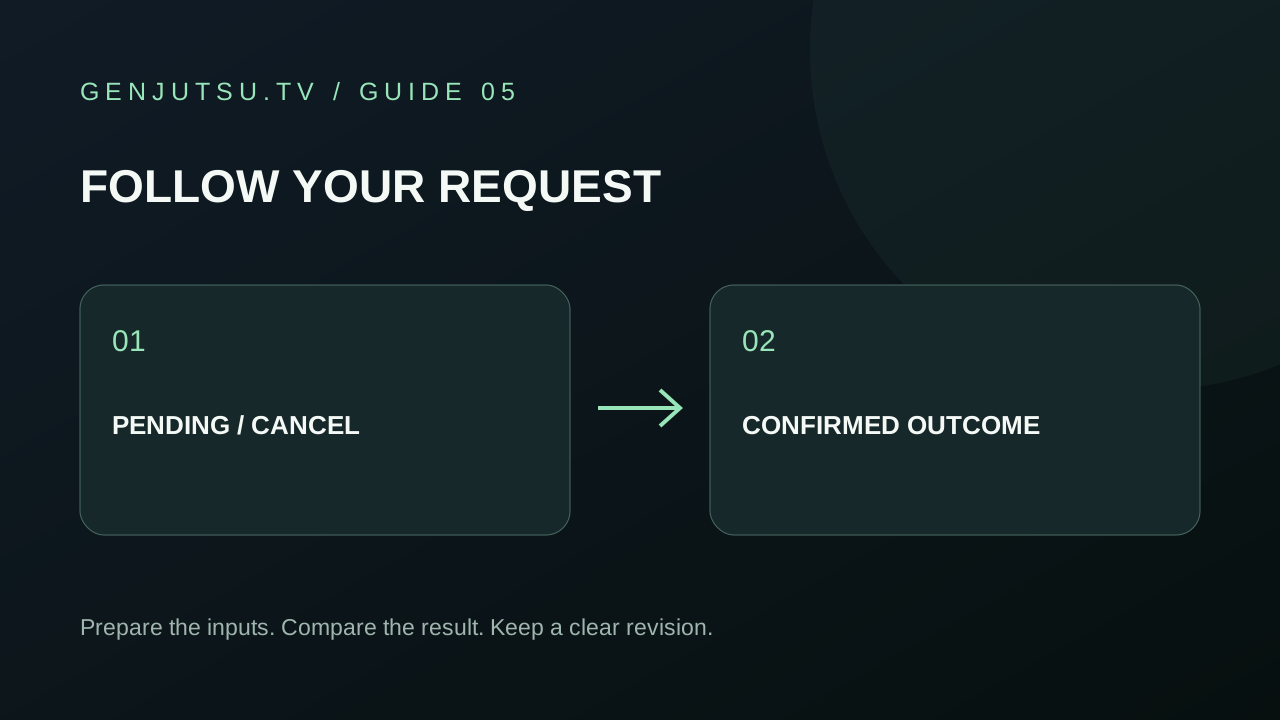
A pending request is still an active generation attempt. Keep its task card and let the workspace reconcile its outcome. Reloading the page, closing a tab or stopping visible polling does not cancel a provider request.
Distinguish the states
| What you see | What to do |
|---|---|
| Queued or processing | Keep the task; check again rather than creating a duplicate |
| Submission outcome not yet confirmed | Wait for reconciliation; the provider may have accepted it |
| Cancel available | Request cancellation if you no longer want this attempt |
| Cancellation requested | Wait for a confirmed terminal outcome |
| Completed | Open the result and compare it with the source |
| Failed or canceled | Read the task outcome and its credit settlement before starting again |
The site retains the reserved credits while the outcome is unresolved. A confirmed completion captures the reservation; a confirmed failure or cancellation releases it. A successful cancel request is an acknowledgement, not immediate confirmation that the generation stopped.
Why cancellation may be unavailable
The task needs a recovered provider request identifier before the server can send a cancellation request. If the initial submission response was ambiguous, keep the task while the site checks for that identifier. The provider may also reject cancellation once a request is no longer eligible. A cancel error does not mean the underlying generation failed.
Avoid treating a network timeout as permission to submit the same brief again. A second submission is a separate request and could create another charge. Wait until the first task’s outcome is understood.
Review a completed result
Compare the source and output at the start, the most difficult movement, and the end. For a character recast, check identity through turns and overlaps. For a product change, check outline, label direction and contact with hands. For a scene change, inspect scale, lighting and camera direction.
Write down the most important mismatch. Revise one reference or one instruction, keep the previous version, then review the new quote before another submission. The goal is a clear comparison, not an unsupported promise that a longer prompt fixes every error.
What the current site can demonstrate
The library’s upstream clips are reference examples. Draft reuse, cancellation UI and credit handling have local automated coverage; this does not prove successful paid generation or cancellation with a configured live Genjutsu account. Actual availability is shown in the workspace.
Return to the preset library, Motion Transfer or Object Swap. For input validation, read the source and credit guide.
The provider’s official quick start documents status polling and cancellation. Reservation and settlement descriptions above refer to the site’s implementation.